OperaLibre
A private, self-hosted audiobook streaming server with an installable web reader. Point it at a folder of audiobooks and stream them to any browser on your network with per-reader progress, chapter navigation, readalong, and optional Libation/Audible import.
OperaLibre can also run as a headless audiobook server. The included React/Vite app is the reference frontend, while the Rust server exposes an HTTP API for custom web, mobile, desktop, or native clients.
Install in one command
On macOS and Linux, this downloads the newest release for your computer, verifies its published SHA-256 digest, asks a few setup questions, and starts the server:
curl -fsSL https://raw.githubusercontent.com/DonovanMontoya/OperaLibre/main/script/install.sh | sh
Windows and manual installs are covered in Install a Release.
Web, Android, and iPhone apps
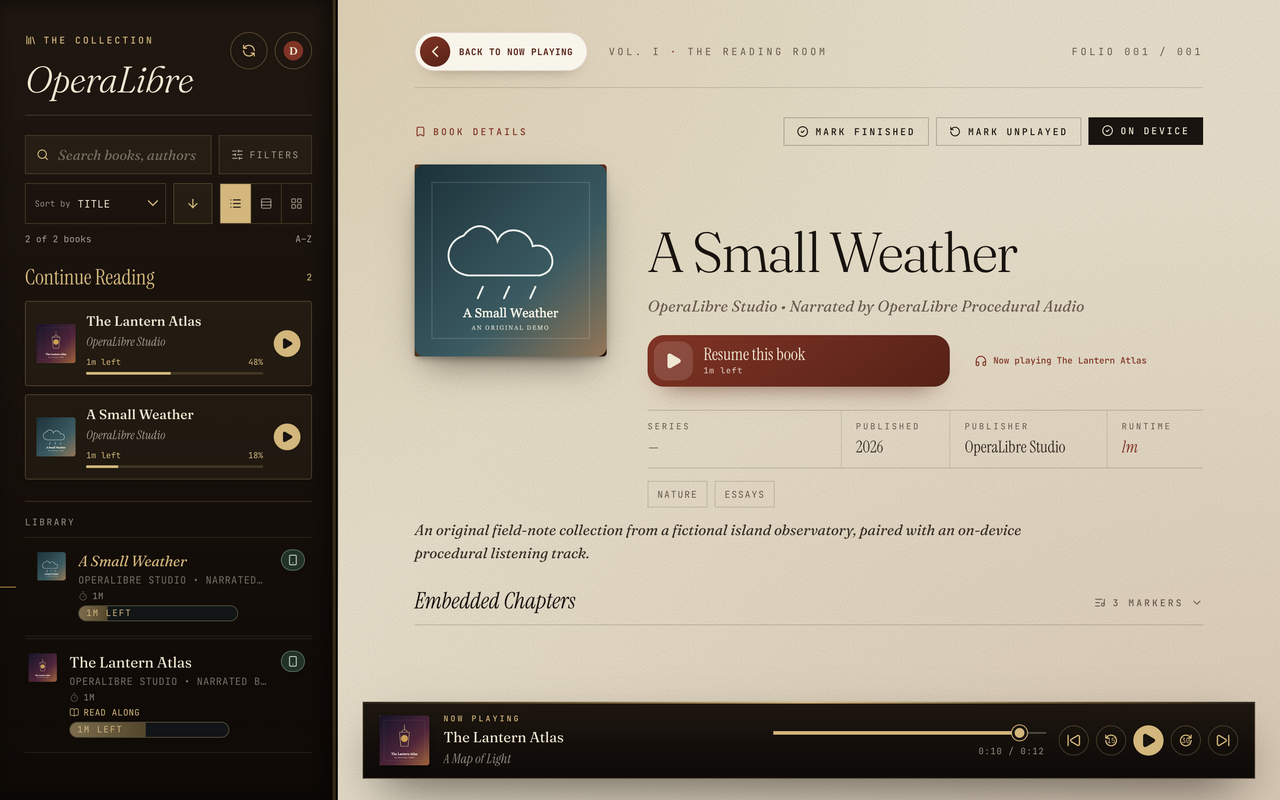
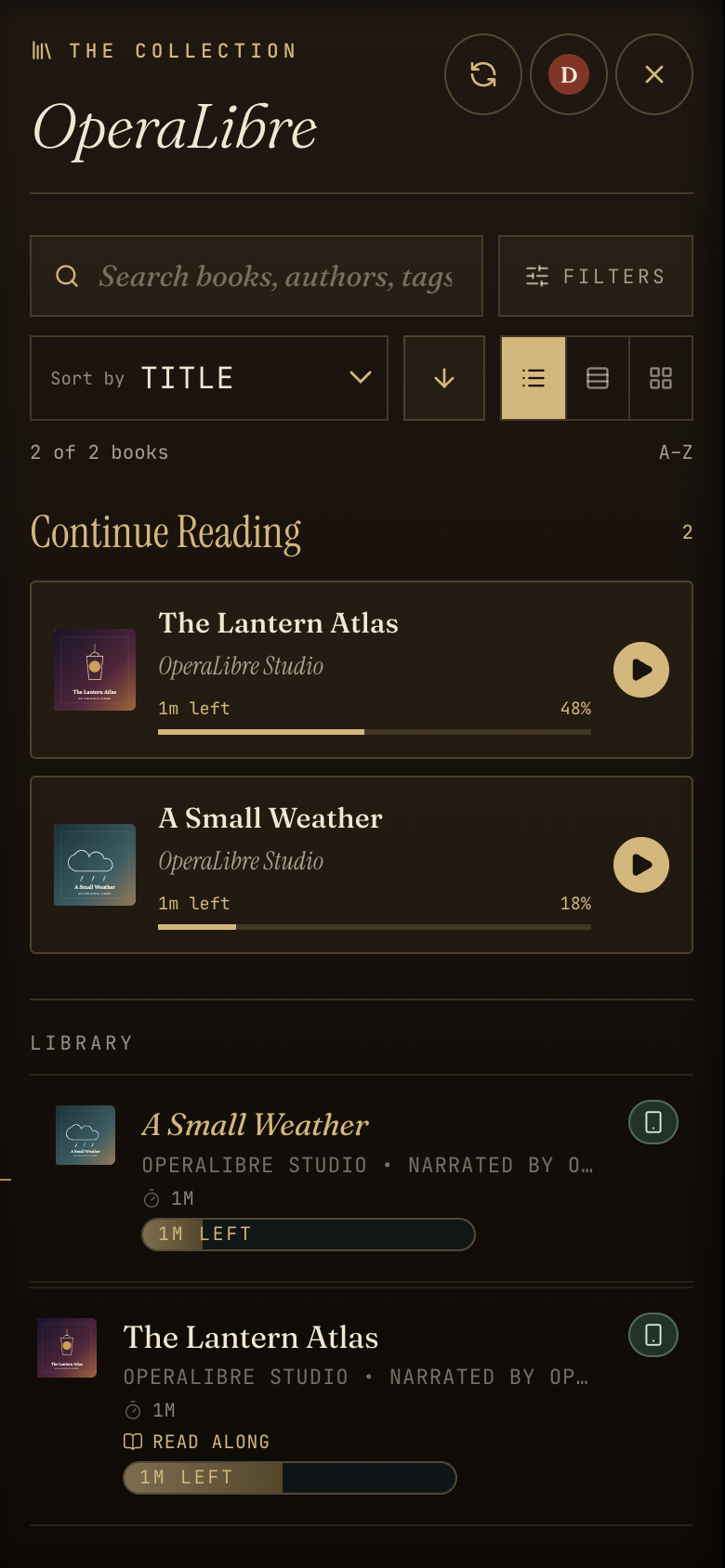
Features at a glance
- Streams almost anything —
.mp3,.m4b,.m4a,.mp4,.aac,.flac,.ogg,.opus,.wav,.aiff - Real seeking — HTTP range requests, so scrubbing works on huge
.m4bfiles - Rich metadata — title/subtitle, author, narrator, publisher, dates, genres, custom ordered tags, language, description, embedded cover art
- Chapters — M4A/M4B/MP4 chapter tracks, MP3 ID3
CHAPframes, and multi-file track boundaries - Readalong — inline reader for
.epub,.pdf,.txt,.html,.htmcompanion files - Readalong sync — sentence highlighting that follows the narration through an EPUB, with an optional experimental generator installed separately from the Administration panel
- Multi-reader — accounts, per-reader progress, Argon2-hashed passwords
- Player controls — playback speed, 15s rewind, 30s skip, sleep timer, OS Media Session
- Web and native mobile apps — installable PWA plus Capacitor projects for Android and iPhone
- CarPlay — browse and play your library from the car screen, downloads included, with no network
- Third-party clients — an Audiobookshelf-compatible API for apps like BookPlayer, plus an OPDS catalog
- Optional Audible import — drive a local Libation install from the web UI
Documentation
- Install a Release — easiest setup for Windows, macOS, and Linux
- Getting Started — choose a setup or build from source
- Configuration — every key in
server.configexplained - Library Layout — how to structure your audiobook folder
- Users & Accounts — first-run admin setup, adding readers, sessions
- Using OperaLibre — phones, reader accounts, uploads, readalong, Jellyfin, and optional imports
- Libation / Audible Import — optional acquisition pipeline
- API Reference — HTTP endpoints exposed by the server
- Deployment — running on a home server or LAN
- Troubleshooting — common problems and fixes
- iOS Release Changelog — iPhone and iPad versions and build notes
- Update Manifest — how installations find and verify updates
Architecture
┌─────────────────────┐        ┌──────────────────────────┐
│  apps/web (Vite)    │  HTTP  │  apps/server (Rust/axum) │
│  React + TypeScript │ ─────▶ │  Library scan, streaming │
│  PWA, Media Session │        │  Auth, progress, covers  │
└─────────────────────┘        └────────────┬─────────────┘
                                            │
                                            ▼
                              ┌──────────────────────────┐
                              │  library_root/           │
                              │  data/ (SQLite database) │
                              │  Libation CLI (optional) │
                              └──────────────────────────┘
The backend is a single Rust binary (apps/server). The frontend is a static React build (apps/web) that can be served by anything — Vite in dev, the Rust server in production, or any static host pointed at the API.
The server owns library scanning, authentication, metadata extraction, cover art, readalong files, progress sync, downloads, and byte-range audio streaming. A custom frontend can build its own browsing and playback experience on top of the API described in API Reference.
License
See LICENSE in the repository root.